Connect WordPress to GeoCopy
GeoCopy uses the WordPress REST API. You need an Application Password (not your normal login password). This is standard WordPress.
Steps
- Log in to
yoursite.com/wp-admin - Go to Users → Profile
- Scroll to Application Passwords
- Enter a name (e.g.
GeoCopy) and click Add Application Password

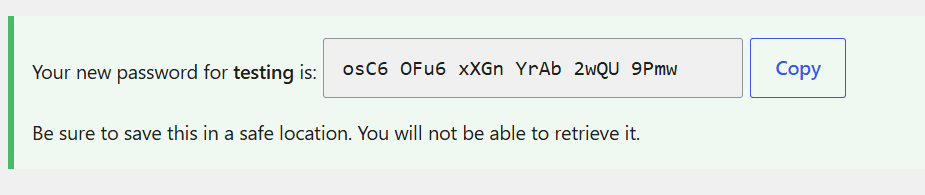
- Copy the generated password immediately. You cannot view it again.
- In GeoCopy → Integrations → WordPress, paste:
- Site URL
- Username
- Application Password (the copied value)
Revoke access
In the same Application Passwords list, click Revoke next to the GeoCopy entry.
Also connecting Webflow? See Connect Webflow.
Troubleshooting
- Connection failed / 401 — You likely used your dashboard password instead of an Application Password.
- No Application Passwords section — WordPress 5.6+ required; ask your host if the feature is disabled.
- Publishing fails — Set a default WordPress category in GeoCopy Site Settings.